
Markex Productions
The Behringer
WING Template.
A professionally engineered scene file built for engineers who need a rock-solid foundation from the moment they power on the console.
All WING models supported · Firmware 3.0.6-27+ · Zero external plugins
Get the Template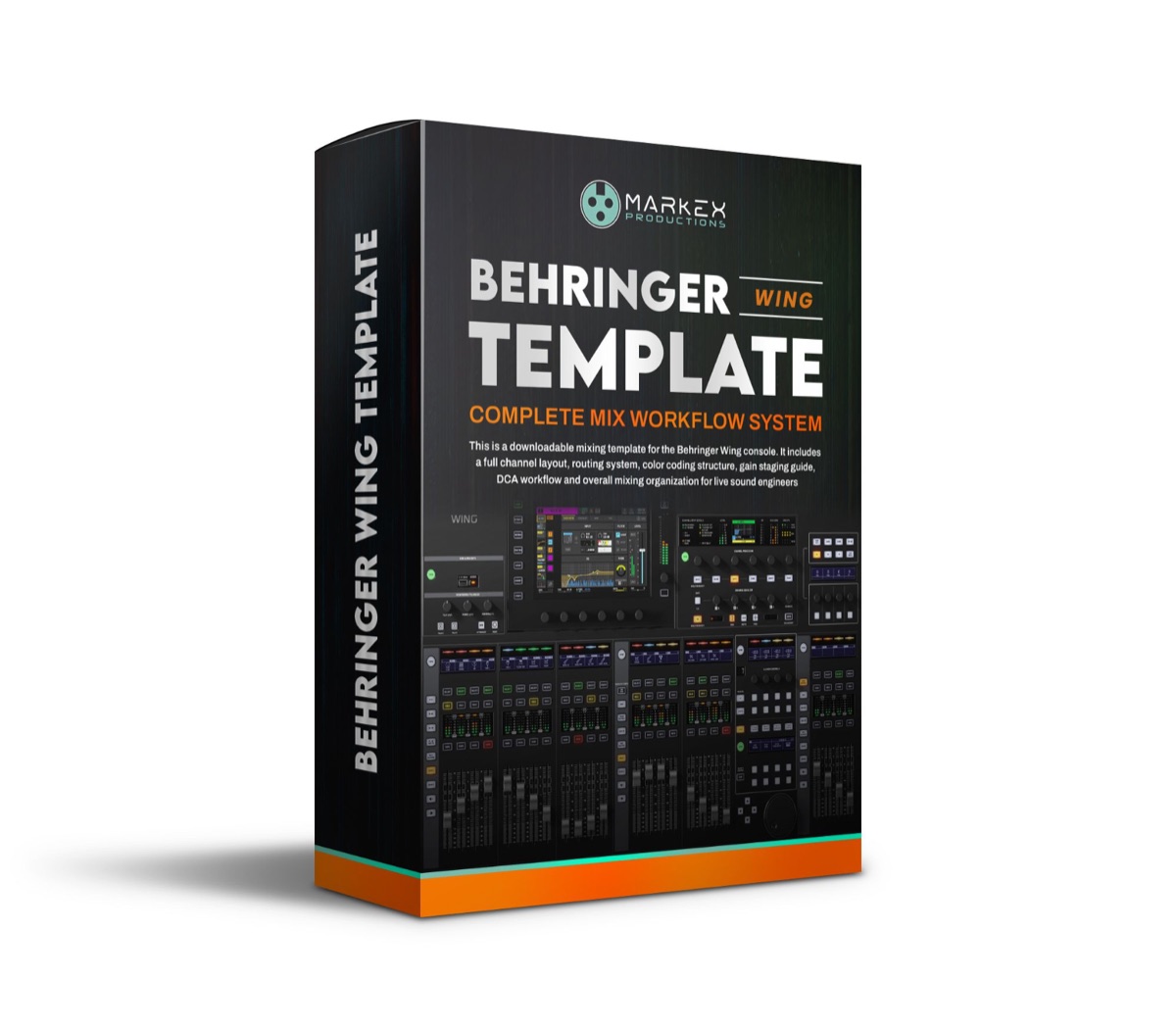
Overview
Built for the real world.
Ready for any room.
The Markex WING Template is a professionally engineered .scn file built by an experienced FOH and broadcast engineer. Tuned EQ, compression, gates, and FX chains all pre-configured so you can focus on the room, not the console.
Stop starting from scratch. Load it. Adjust your gains. Deliver the mix.
What's Included
One purchase.
One download.
A complete mix system.
Support
Frequently Asked
Questions
All of them. The full-size WING, WING Compact, and WING Rack are all supported. The only requirement is firmware version 3.0.6-27 or higher.
No. The template runs entirely within the WING's native processing engine. No third-party plugins, DAW, or additional software required. Everything you need is built into the console.
Yes. The template is structured to support all three use cases. Mix busses, monitor mixes, and output routing are all pre-configured and clearly labelled so you can adapt it to your workflow quickly.
After purchase you will receive a .zip file containing the .scn scene file and a Quick-Start Guide. Copy the .scn file to a USB drive, plug it into your WING, and load it from the console's Scene Manager. The guide walks you through every step.
Absolutely. The template is a starting point, not a restriction. Every channel, bus, and FX chain is fully editable. Rename channels, adjust EQ curves, swap out effects and make it yours.
Get It Now
Stop starting from scratch.
Load a mix you can be proud of.
Load the template. Follow the guide. Deliver the mix your audience feels.
All sales final. Digital product.
Get the WING Template →More Markex Resources
Keep Building Your Live Sound Skills
Practical tools that help you prepare faster, mix with more confidence, and understand what you hear.
Drum Sound Check Multitracks
Nine WAV channels for practicing virtual drum soundcheck and processing.
Practice with Drum MultitracksSound Engineer's Dictionary
Plain-English definitions for more than 100 live sound and audio terms.
Explore the DictionaryEQ Made Simple
A clear 22-page guide to EQ moves, frequency ranges, and common fixes.
Explore EQ Made SimpleX32/M32 Template Bundle
A complete X32/M32 scene with 132 presets, a guide, and a walkthrough.
Explore the X32/M32 Bundle